Checks
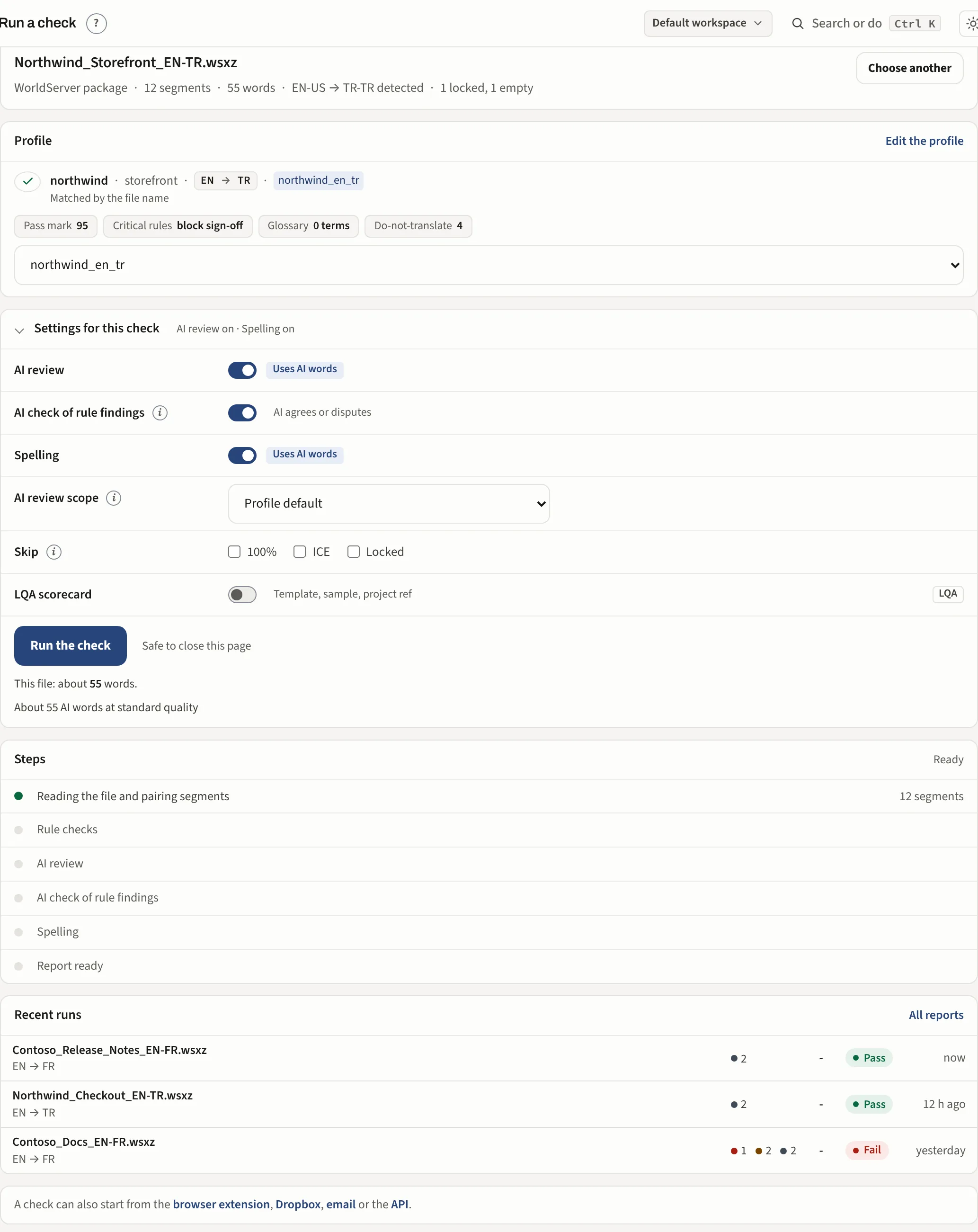
Deterministic checks on a bilingual file, with an AI review on top. The pages here say what each layer does for you. The exact behaviour of every individual check, with its evidence and examples, is in Help inside the app (under your name in the left menu, Help), where it sits next to the settings it describes.
The two layers
Layer 1 is a rule engine. It compares the source and the translation for the things that have a right answer: tags and placeholders, numbers, units, currencies and dates, terminology and brands, links and email addresses, spacing and punctuation, length, consistency across the file and language specific checks for Turkish and other languages. It is exact, instant and cheap. What it reports are facts. What the rules find. Some rules read the whole file at once: a term translated two ways, mixed heading styles, the form of address. File-wide checks.
Layer 2 is the AI, used in two ways. It reads every translated segment for what rules cannot see: meaning, omissions, a register your style guide forbids. And it checks the rule findings that need a reading, so a false positive is marked as one. Nothing is removed from the report on the AI's word alone; the reviewer decides. The AI review and the second opinion.
Spelling runs beside the two, as a dictionary pass confirmed by the AI. Its findings are listed but never scored. Spelling.
A run ends in one of four results and a score out of 100. The result and the score.
What is never done
Your file is never edited. Corrections are made by a person in your own tool, or written into a copy you ask for (Apply fixes). Nothing changes a profile until a person approves it (Learn).