Ways to run a check
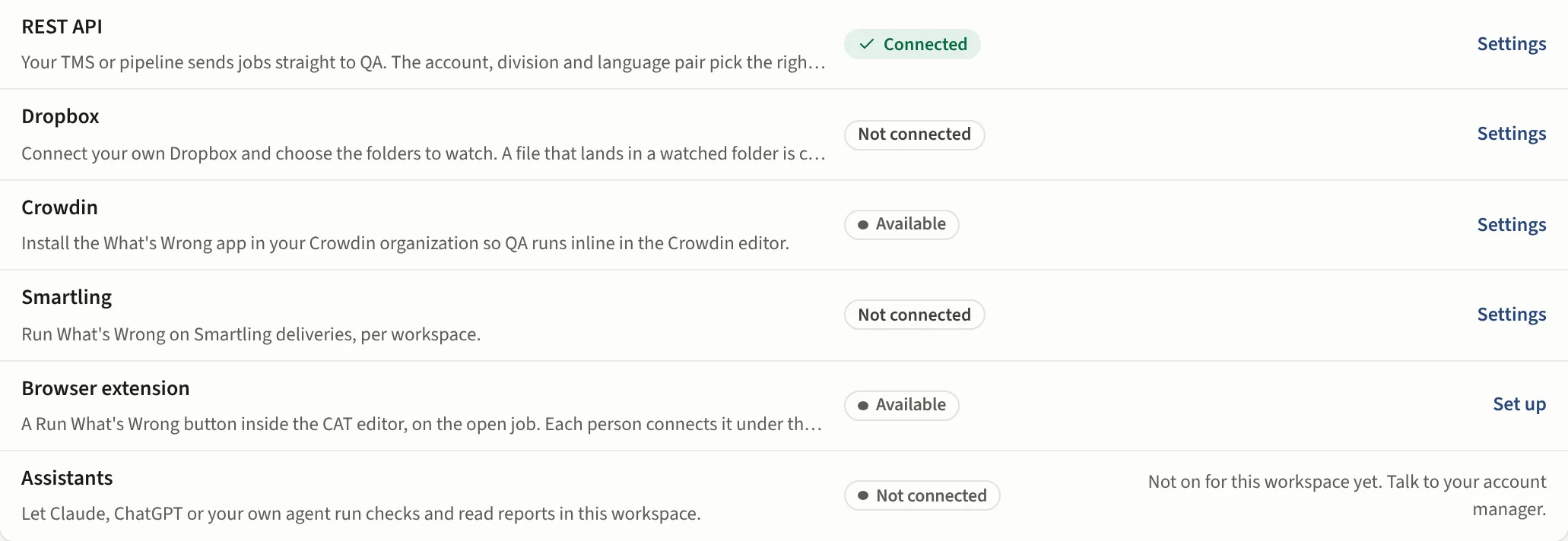
Six doors into the same check. Whichever one a file comes through, the same profile runs, the same report is written and the run lands in Reports with its trigger named.
| Way | For | Plan |
|---|---|---|
| Upload in the app | A file on your desk, now | Every plan |
| QA by email | A project manager with a file in the inbox | Team and up |
| Dropbox folders | Work that arrives on a schedule, nobody presses anything | Team and up |
| The Chrome extension | A job open in Phrase, XTM, Smartling or WorldServer | Every plan |
| The MCP server | Claude, ChatGPT or your own agent | Every plan, more tools with the plan |
| The REST API | Your own TMS or pipeline | Team and up |
Crowdin and Smartling connectors run checks inline in those platforms; a workspace admin sets them up in Settings, Connections (Team and up). The Integrations page lists every way in with its status and a link to where it is set up.