Dropbox folders
For work that arrives on a schedule, nobody needs to press anything. A watched folder checks every bilingual file that lands in it and writes the report back beside the file.
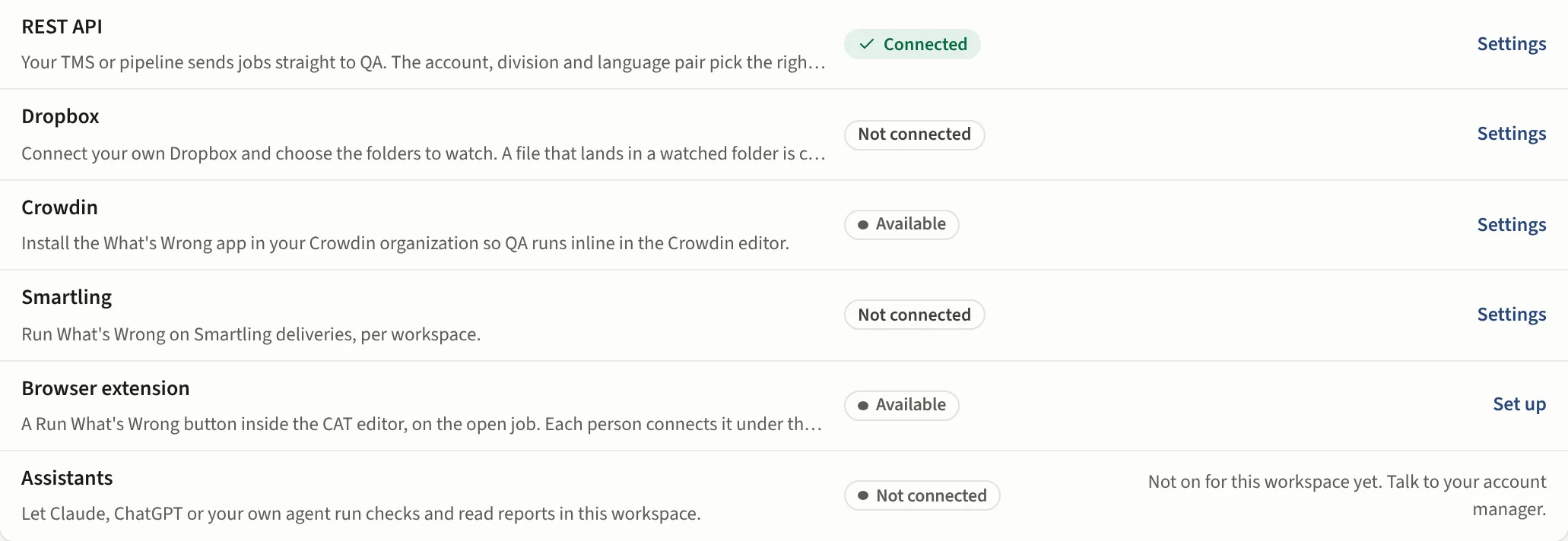
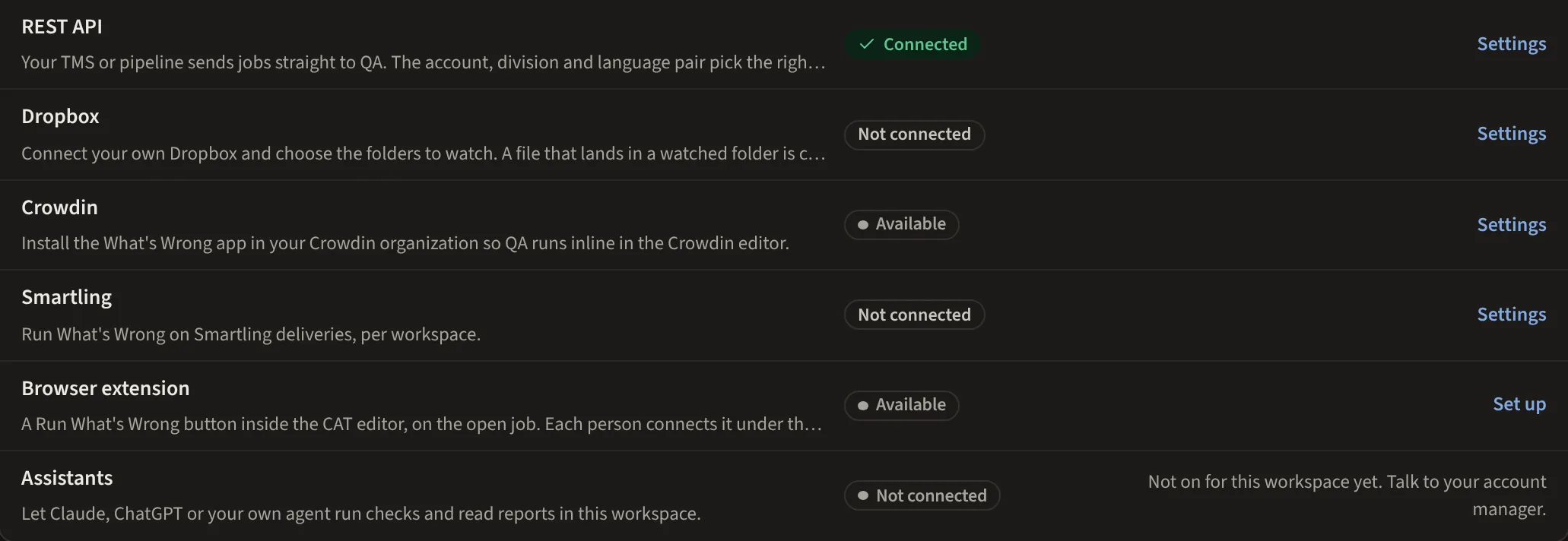
Connect an account
In Settings, Connections (Team and up) each person connects their own Dropbox account and picks the folders to watch. Only the person who connected an account, or an admin, can browse or change its folders; other PMs see who connected it and the reports from its folders.
Which profile runs
A profile claims folders under Where files come from. The folder names decide the account, the language pair and which reviewer role the findings are scored for, so a file dropped in a client's German folder gets that client's German profile.
What comes back
The report is written back beside the file, in your own Dropbox. The run also appears in Reports, Home and Analytics by its file name with the Dropbox folder under it, and carries the language pair it detected.
Learn and checklists from Dropbox
With Dropbox connected, a profile's Learn can scan its folders for LQA scorecards and QA reports, a checklist can be imported from Dropbox and re-imported when the file changes, and Build from a folder can read a client's folder directly. Nothing is ever written to your Dropbox except the report beside a checked file.
From an assistant
An assistant connected over the MCP server can list the watched folders and check a file by its Dropbox path, on Team and up.