Check your first file
Nothing to set up. You can do this in under a minute.
Read the transcript
- Check your first file. In six steps.
- 1. Open Run a check in the left menu.
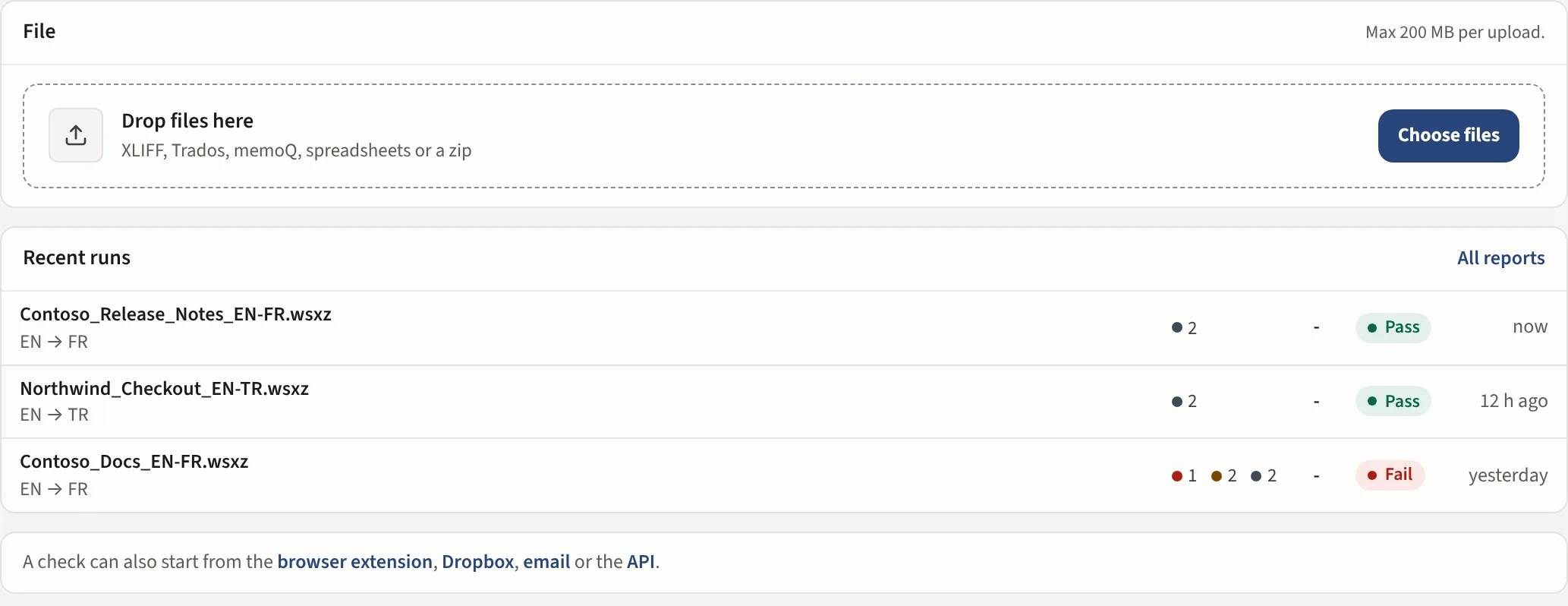
- 2. Drop your file here. Or press Choose files.
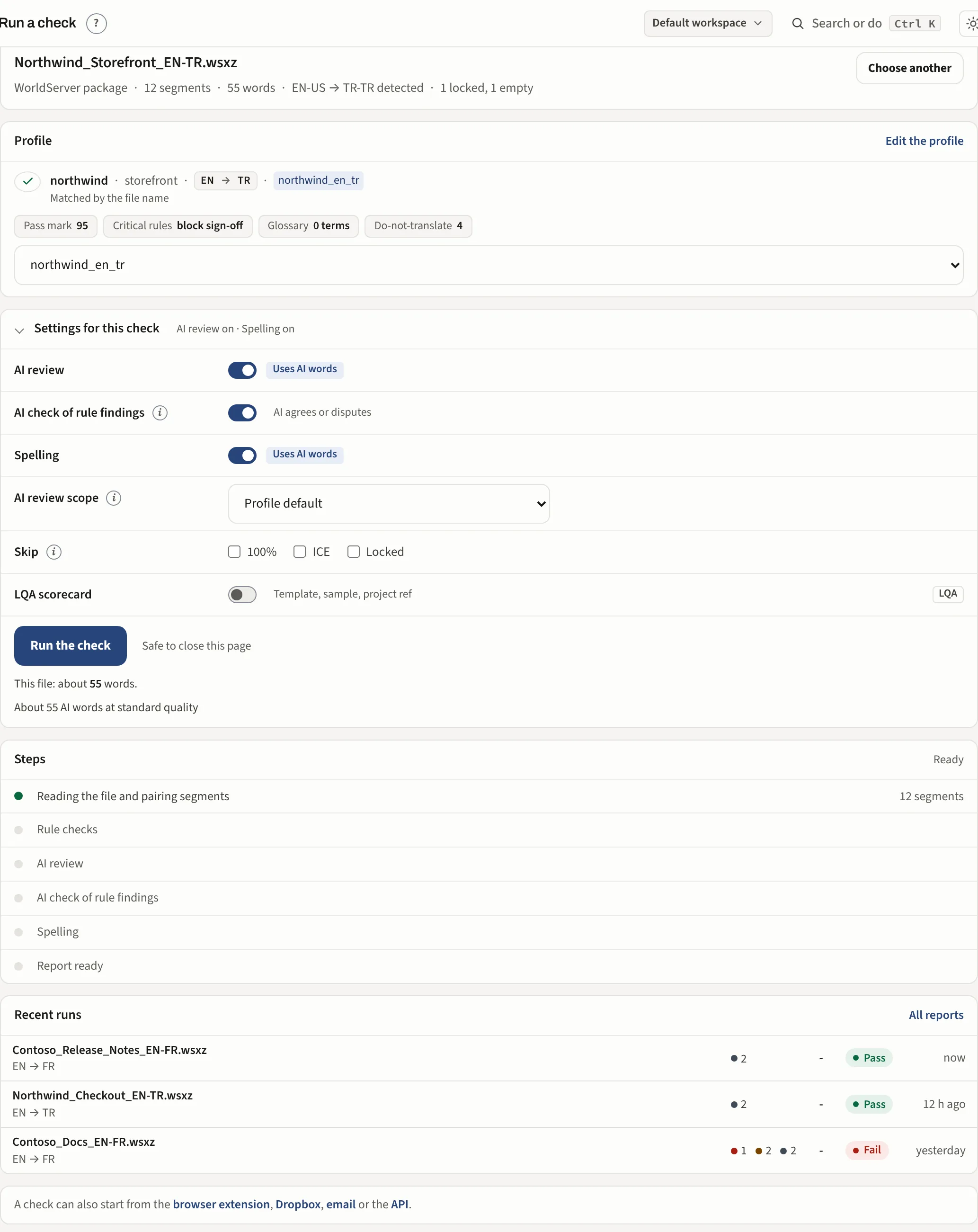
- 3. Check what was read. The format, segments, words and language pair.
- 4. Check the Profile. It is matched to the file. To use another profile, choose it from the list.
- 5. Leave the Options as they are. AI review and Spelling are already on.
- 6. Press Run the check. Steps shows each pass as it runs. It is safe to close the page.
- The report opens by itself. The header shows the result. Here: Fail, 4 critical open.
- The findings are grouped by type. Press one to see the segment and what to do.
- Next: Read the report.
- Open Run a check under What's Wrong in the left menu (or stay on Home: the drop area is there too) and drag your file onto the box.
- Use the file your translation tool gave you: an XLIFF, a Trados or memoQ package or a bilingual Excel sheet. It must contain both the source and the translation.
- Leave the profile on Auto-detect and press Run the check.
The report opens by itself when it is done. Drop several files at once and each gets its own report.
What you see before you run
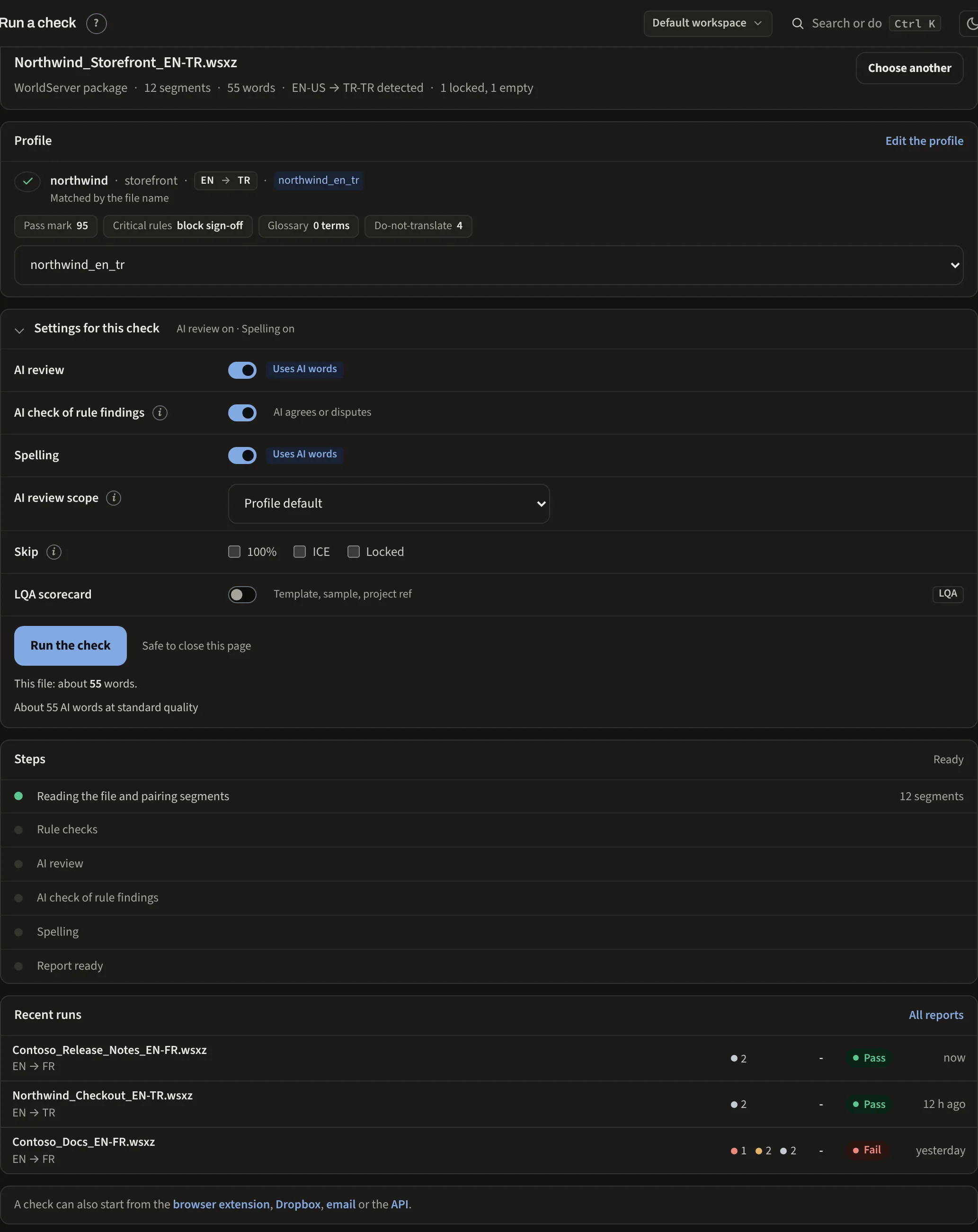
Once the file is read, the page shows what it found: the file's format, its segments and words, the language pair it detected and how many segments are locked or empty, so you can see it is the right file before you spend a run on it. Under that sit the matched profile with its pass mark and lists, and the settings for this check.
The settings for this check
Settings for this check is shut until you open it; its line says what is on, such as AI review on · Spelling on.
- AI review reads every translated segment for meaning, omissions and register. On by default. Off, only the rules run and nothing is sent to an AI provider.
- AI check of rule findings has the AI agree with or dispute each critical or major rule finding that needs a reading, so a false positive is marked as one. On by default.
- Skip with 100%, ICE and Locked leaves the segments the reviewer is answerable for. Each box is separate: 100% skips exact matches and ICE skips in-context exact matches. On a big file a 4,000 segment report usually becomes a dozen things to look at.
- Spelling runs a dictionary pass beside the rules, confirmed by the AI. The profile decides the default.
- LQA turns the same run into a scored review (included in Business and set up with you).
Auto-detect and profiles
You do not need to pick a profile. If none matches the file, the built-in generic profile runs the structural checks that hold for every language: broken XML, missing targets, tag and placeholder corruption, number mismatches. A profile is how you add what is specific to one client: Set up a client.
The format is read from the content
XLIFF in any of its flavours, a Trados or memoQ package or a bilingual spreadsheet. The format is read from the file's content, not its extension, so a renamed file still works. A spreadsheet opens the Confirm the columns dialog first.