Videos
Start with the three-minute overview, then watch the twelve short videos in this order: each one picks up where the last stopped. Or open the one you need. Each video has narration, captions and a transcript. It sits at the top of its own page; press its title to go there.
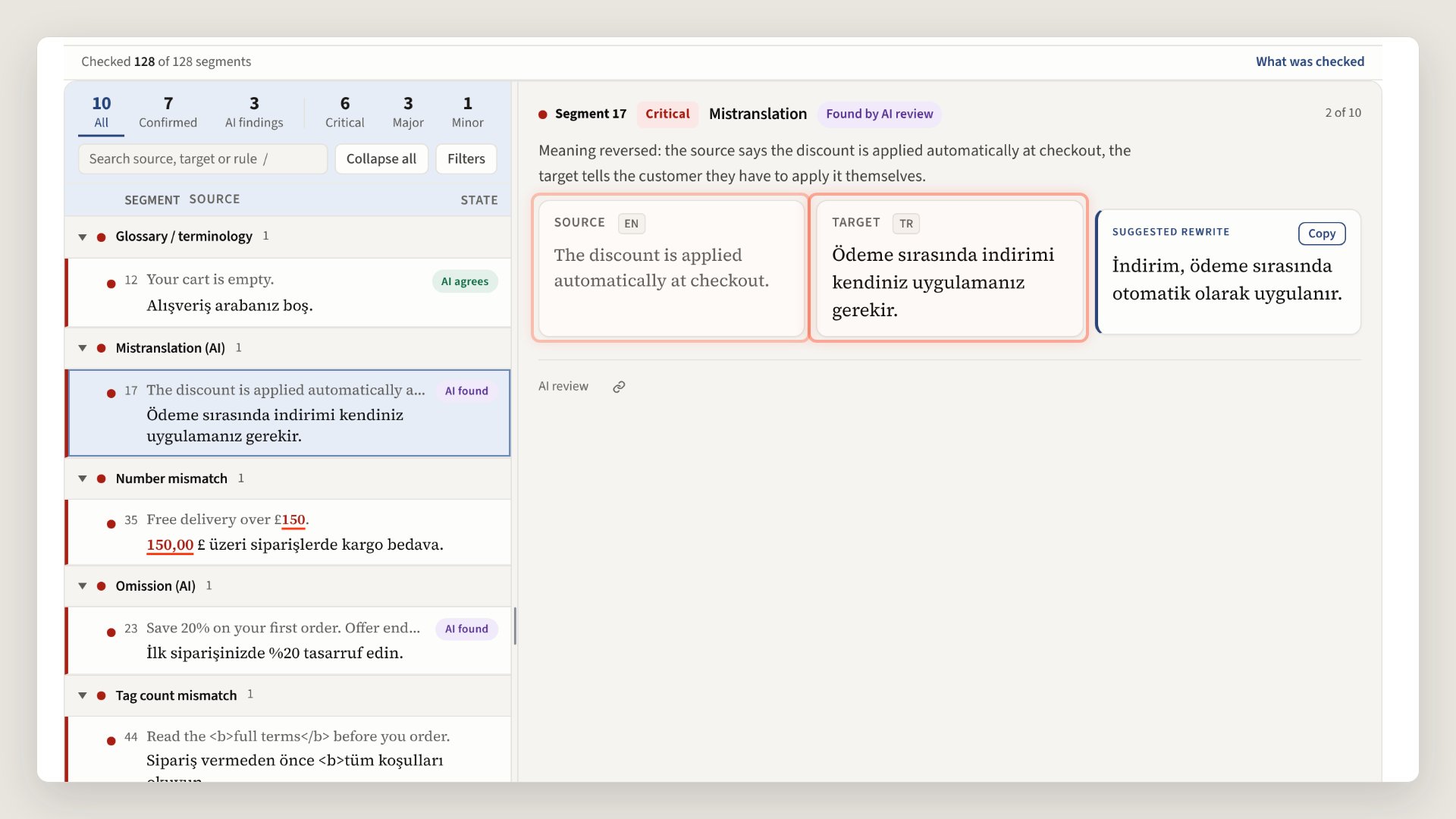 What's Wrong in three minutesThe whole tool in under three minutes: the problem, a check, the report, profiles and where it connects.
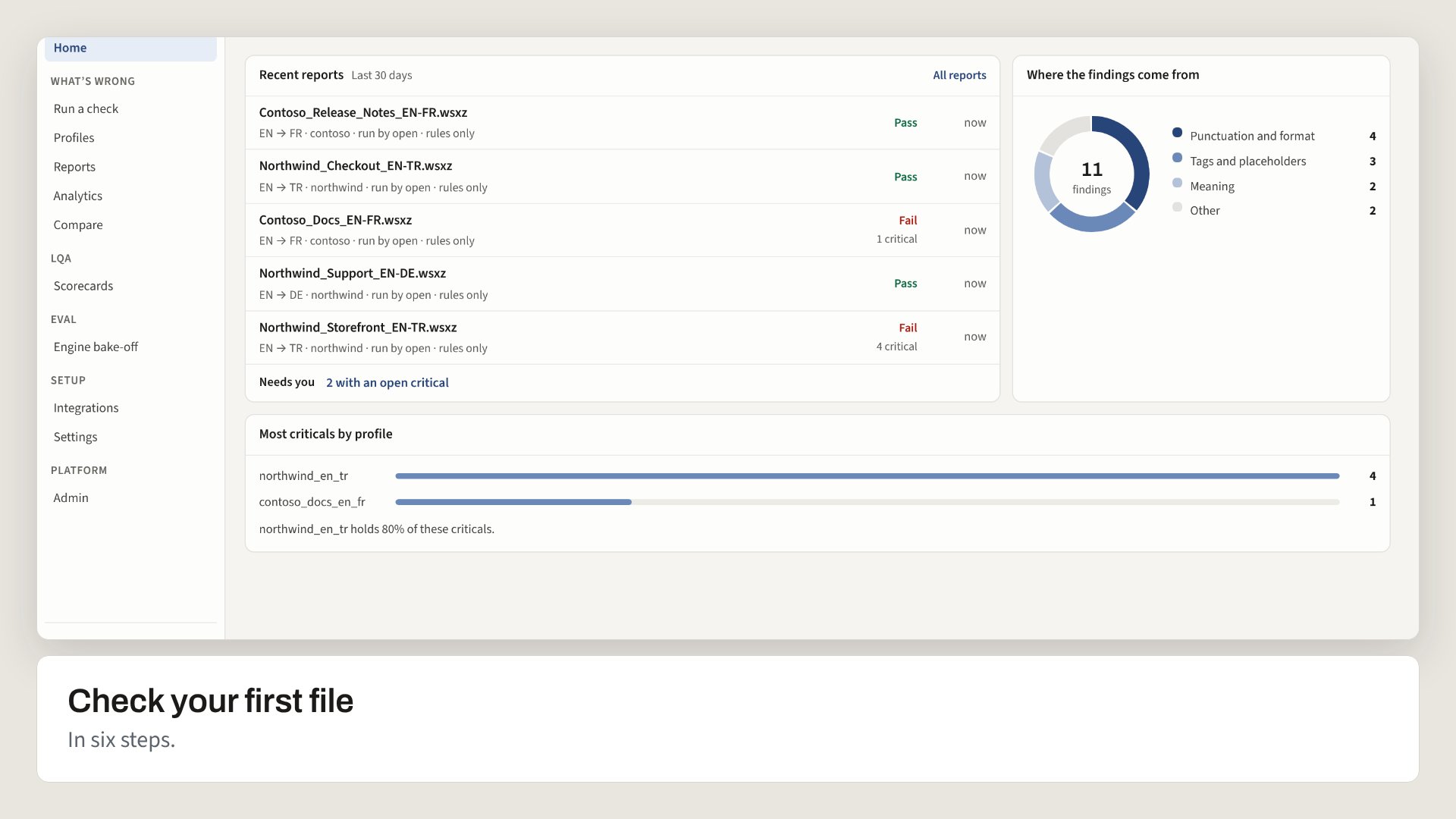 Check your first fileDrop a file on Run a check, press Run and watch the report open.
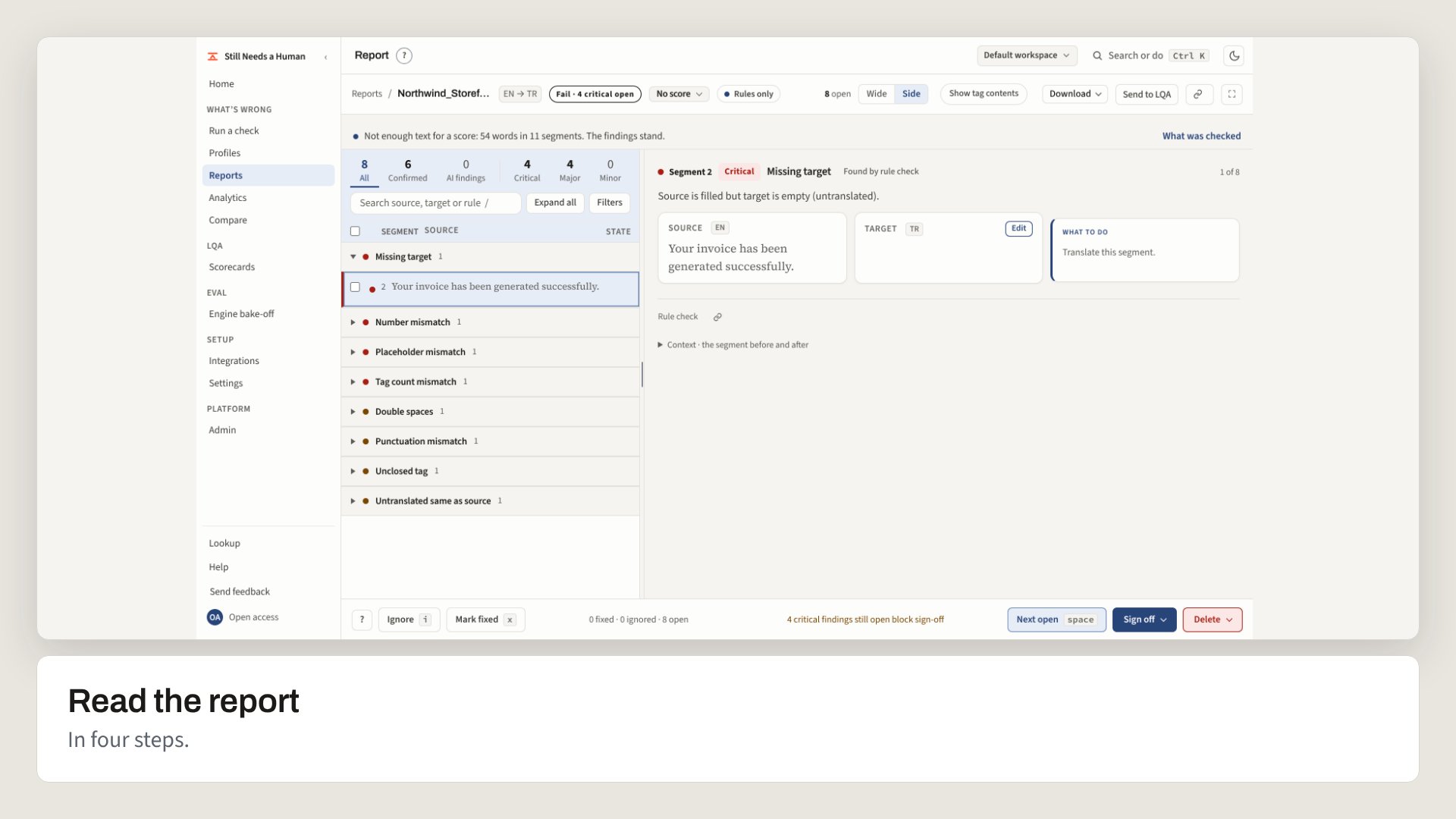 Read the reportRead the result, keep the critical findings in view and decide what to do with each one.
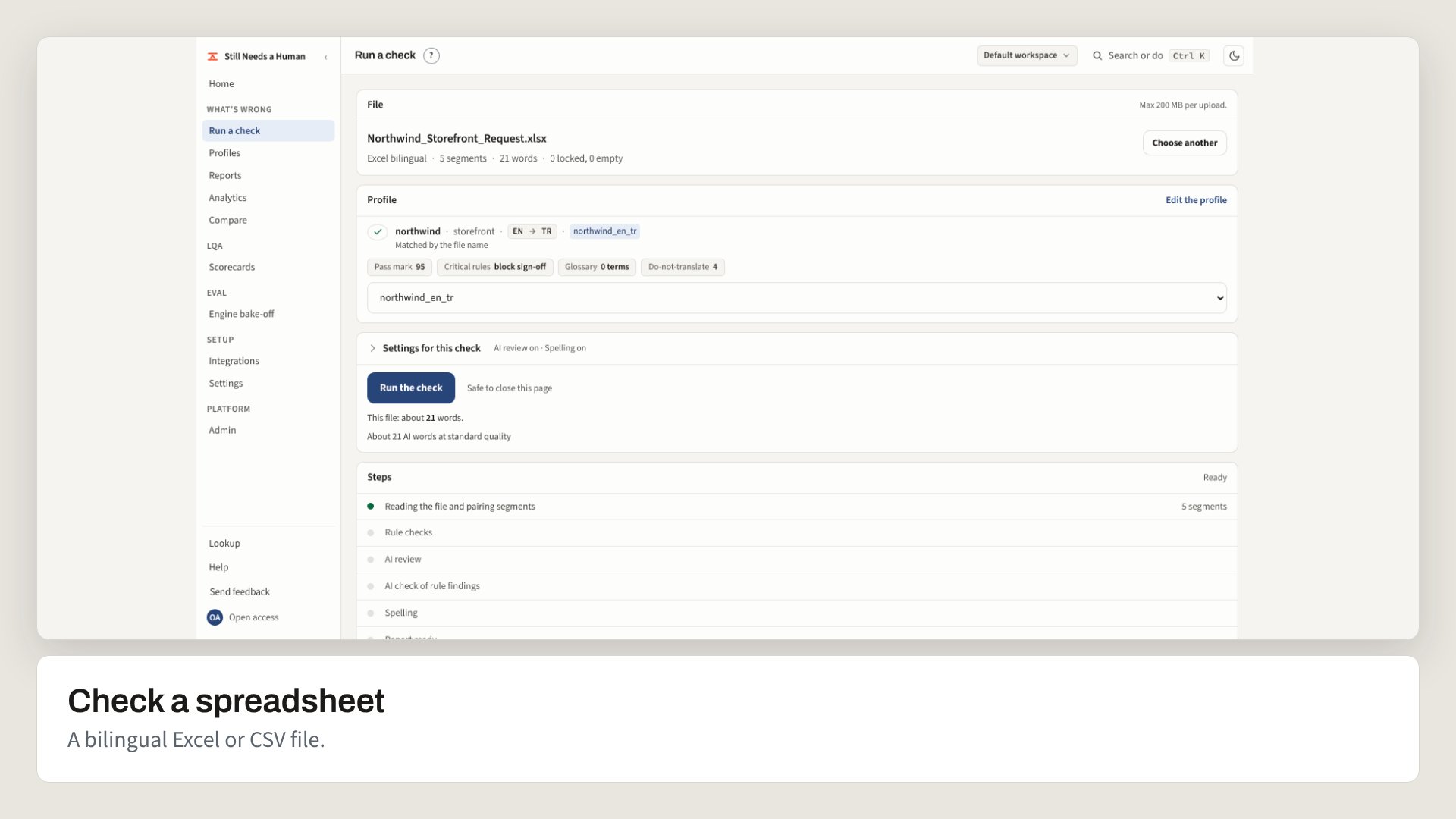 Check a spreadsheetCheck a bilingual spreadsheet by confirming which columns hold the source and the target.
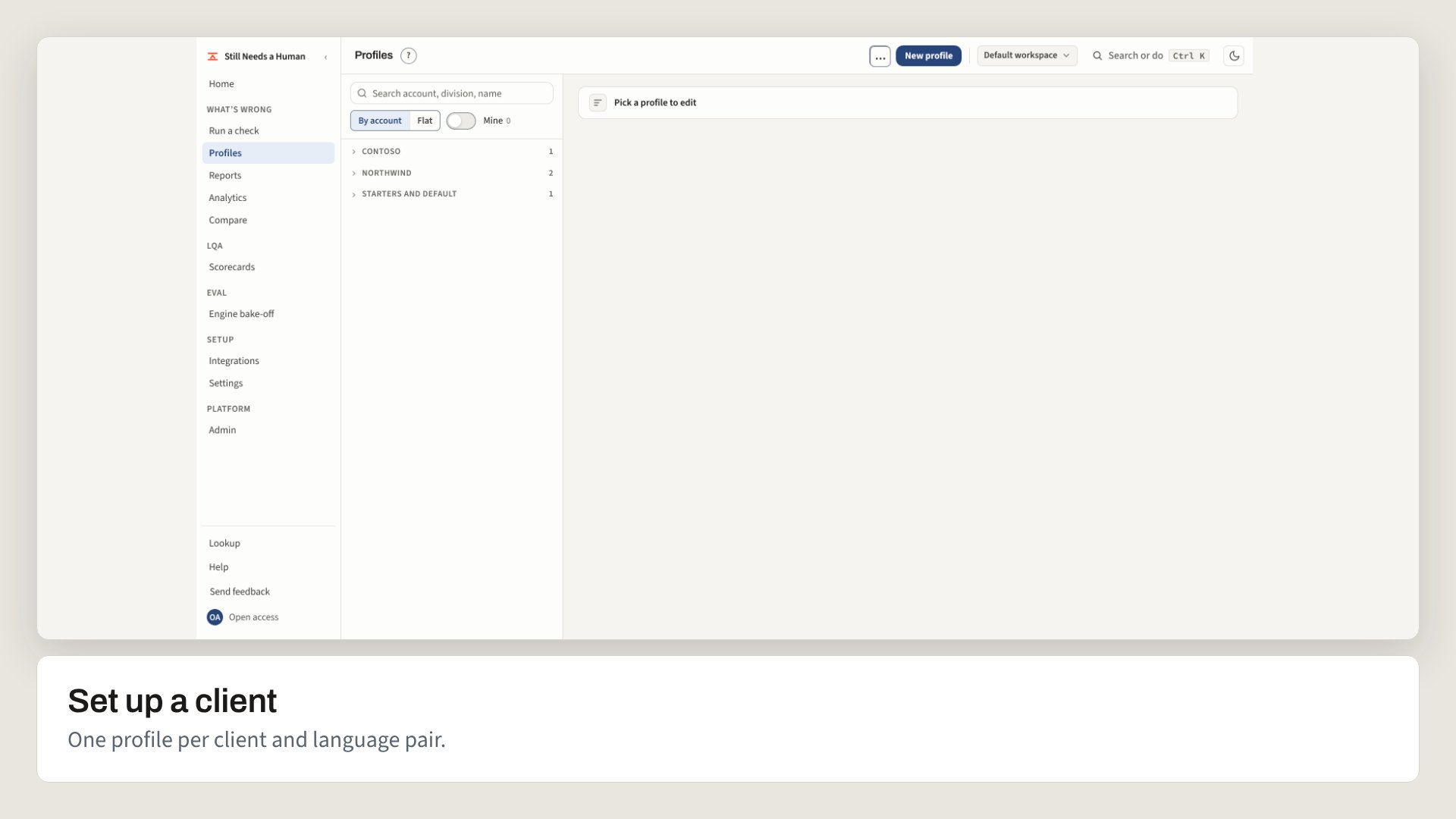 Set up a clientCreate a profile for a client and language pair, then add the terms that must stay as written.
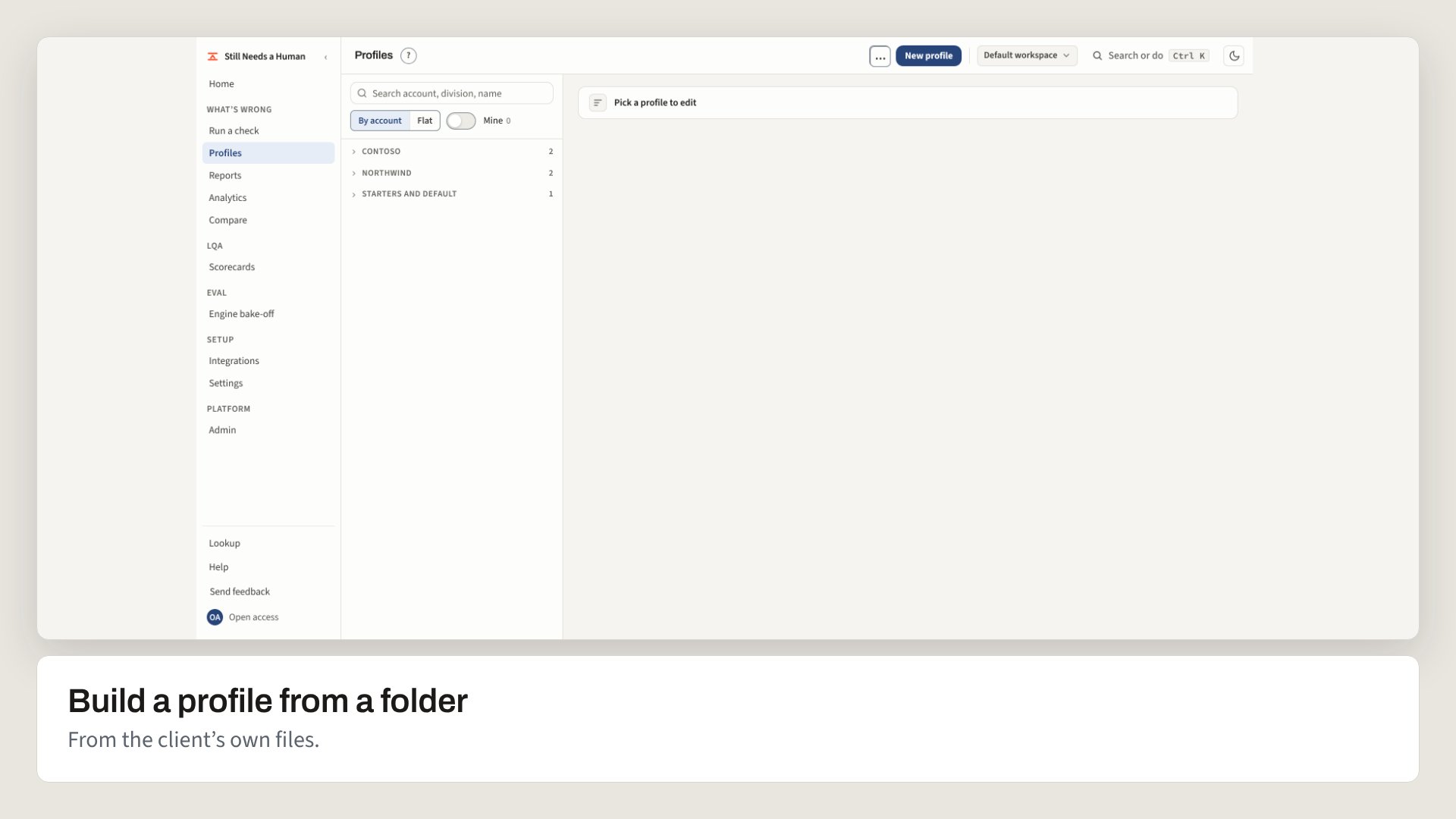 Build a profile from a folderDrop a client's folder and approve the profile that is drafted from it.
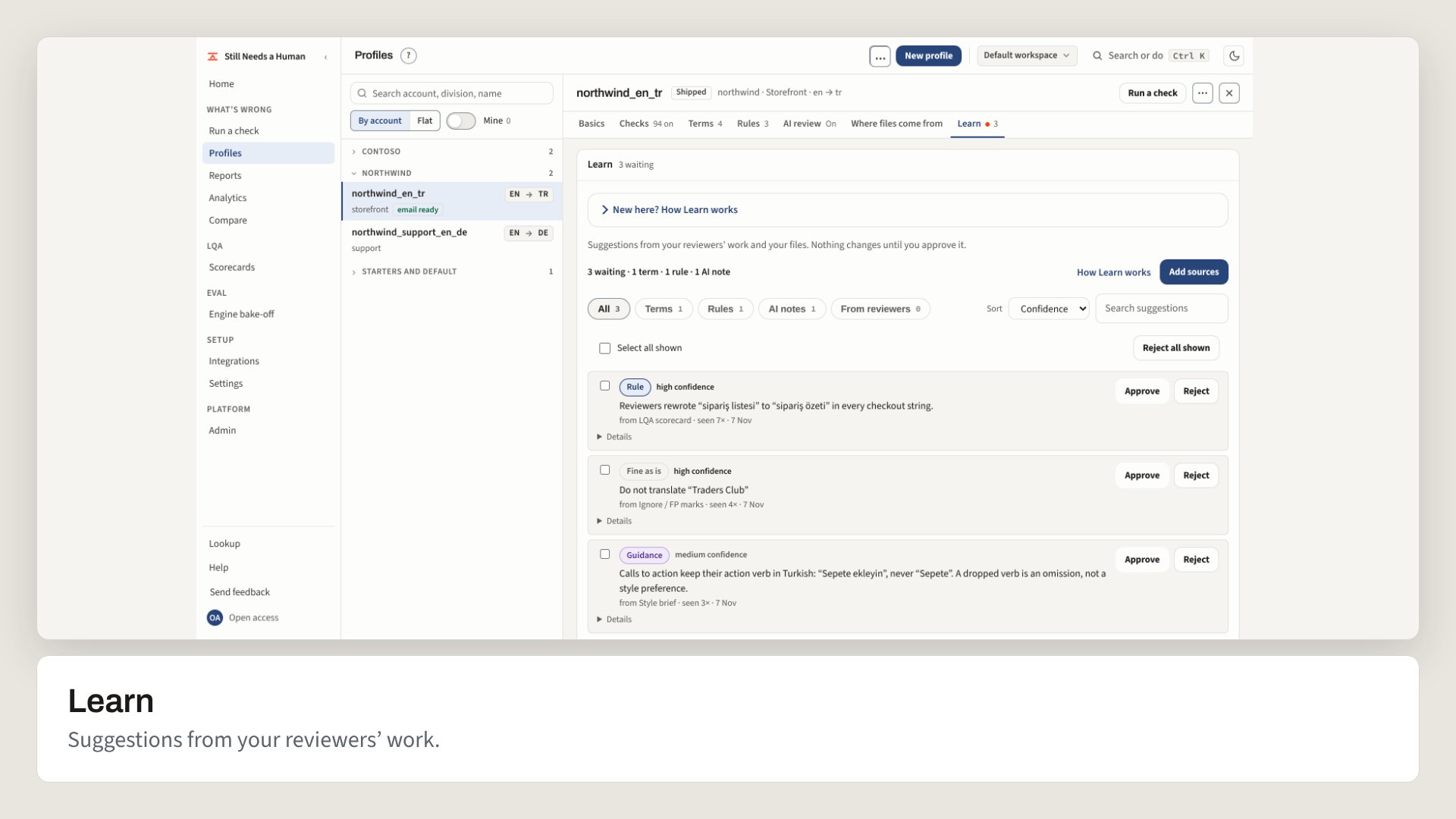 Learn: it learns from your decisionsTurn your reviewers' decisions into suggestions, approve them and take one back if you need to.
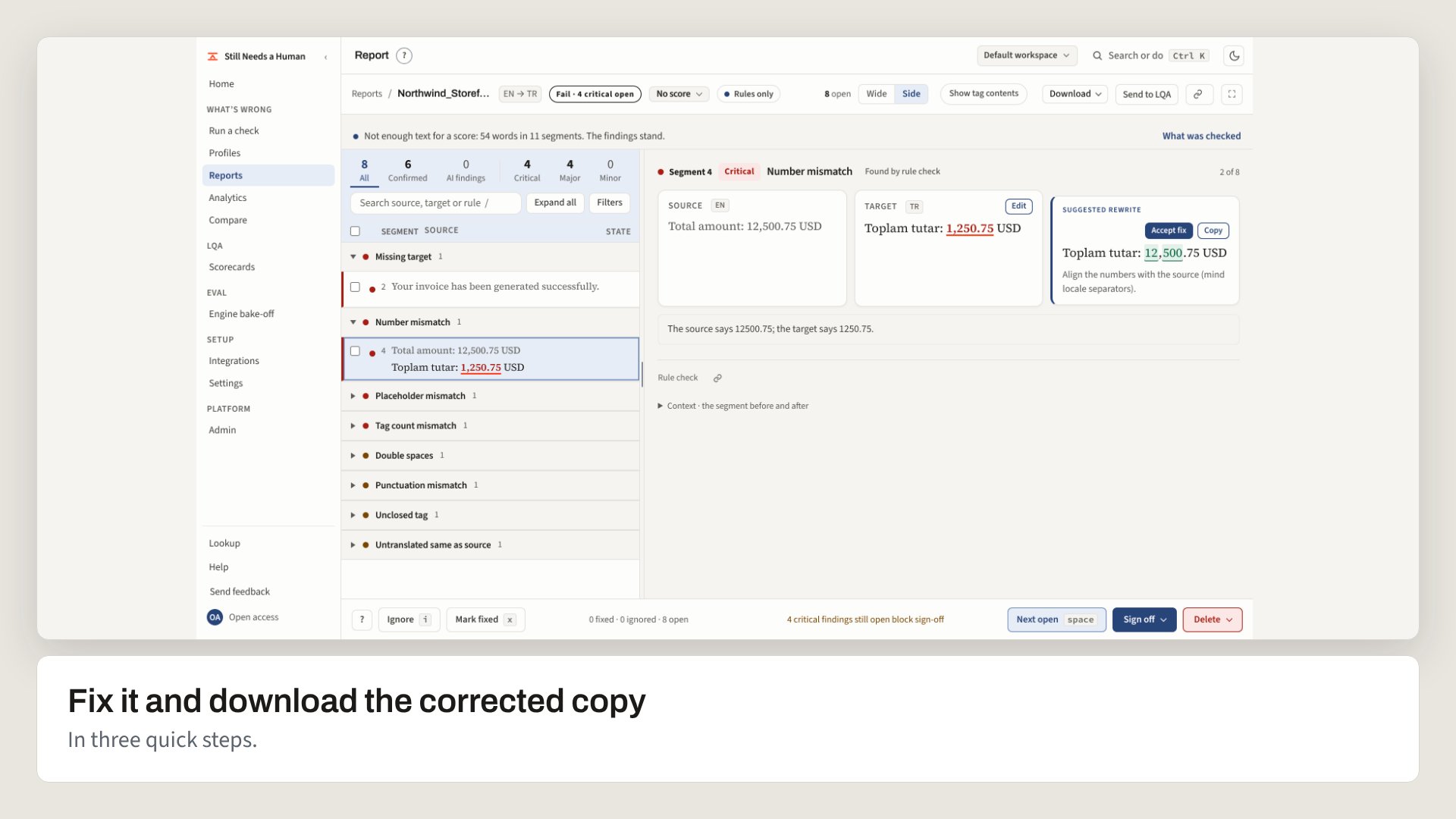 Fix it and download the corrected copyAccept or edit a fix, check the edit and download the corrected copy.
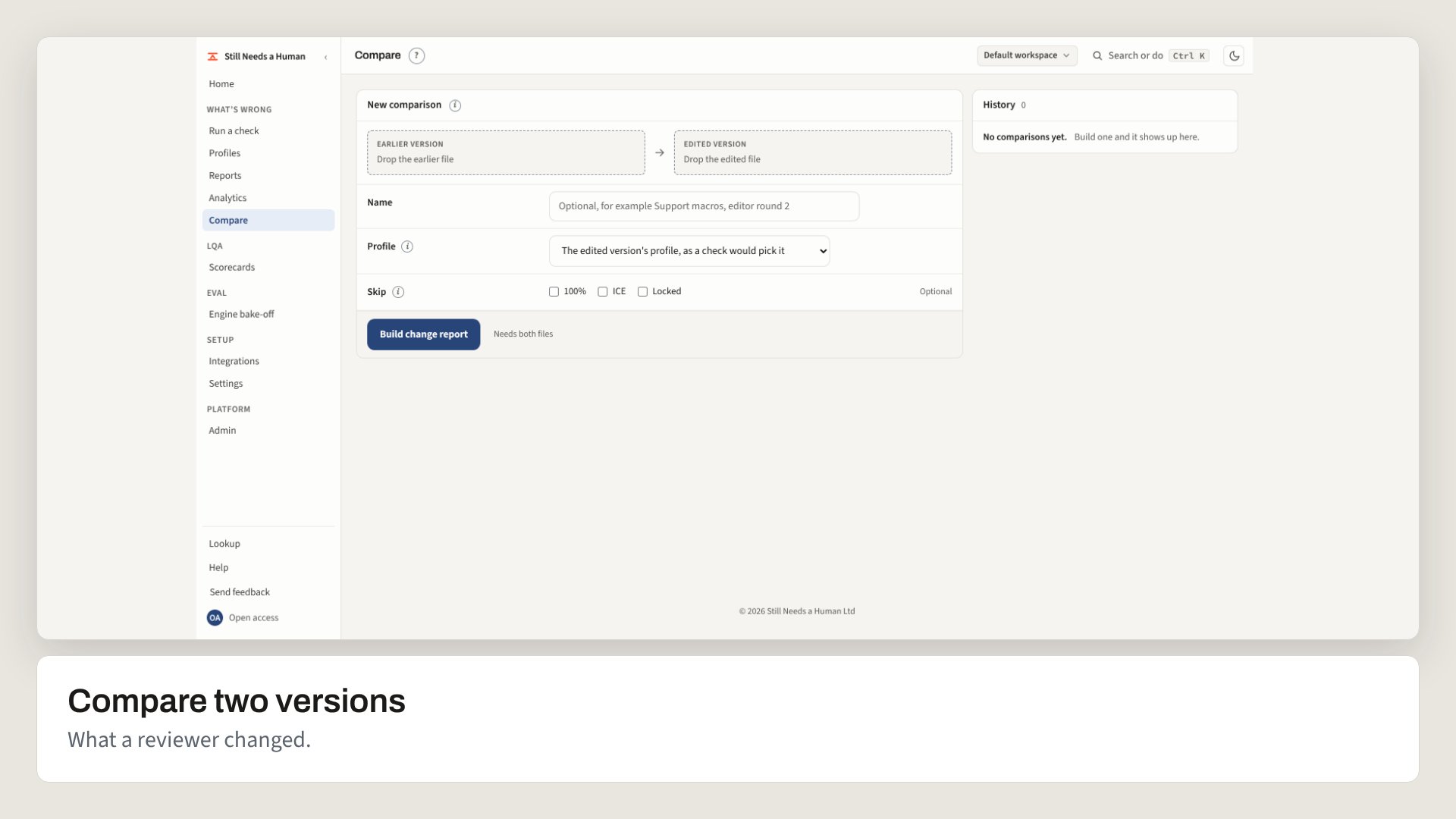 Compare two versionsCompare two versions of a file and see each change word by word, with the edit rate.
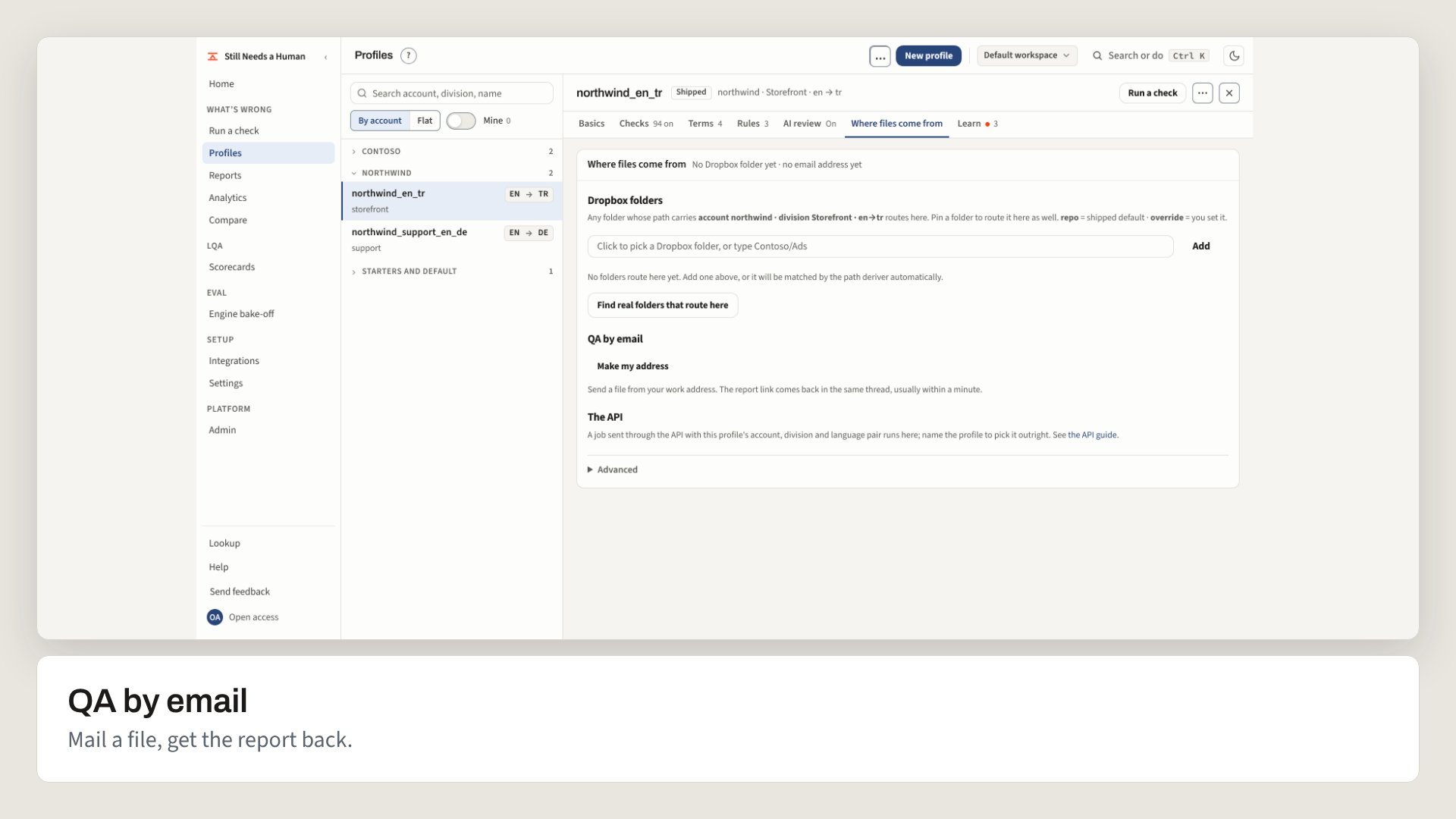 QA by emailMake your profile's address, send a file to it and read the result in the reply.
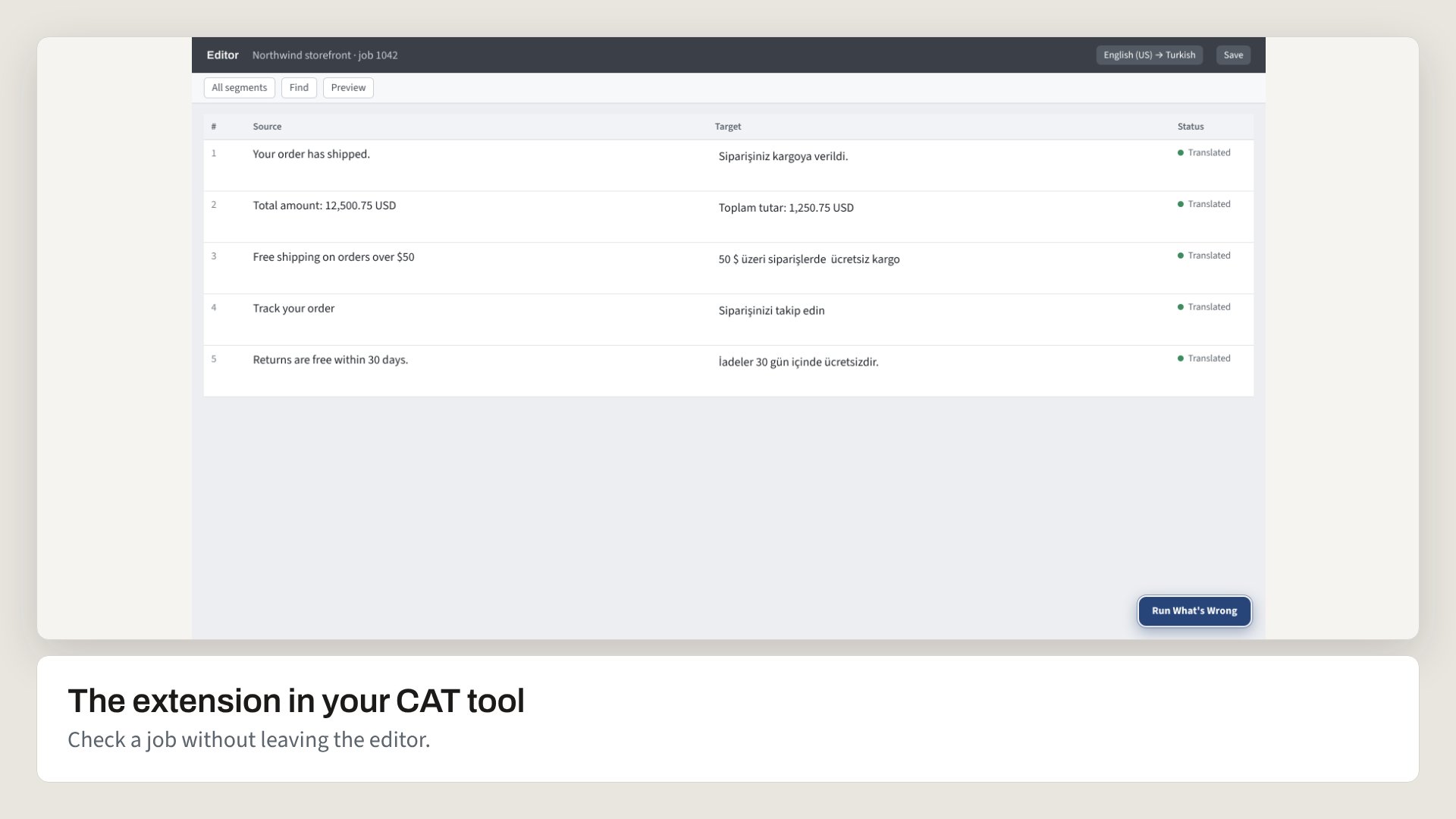 The extension in your CAT toolRun a check from inside your CAT tool and insert a fix into the segment.
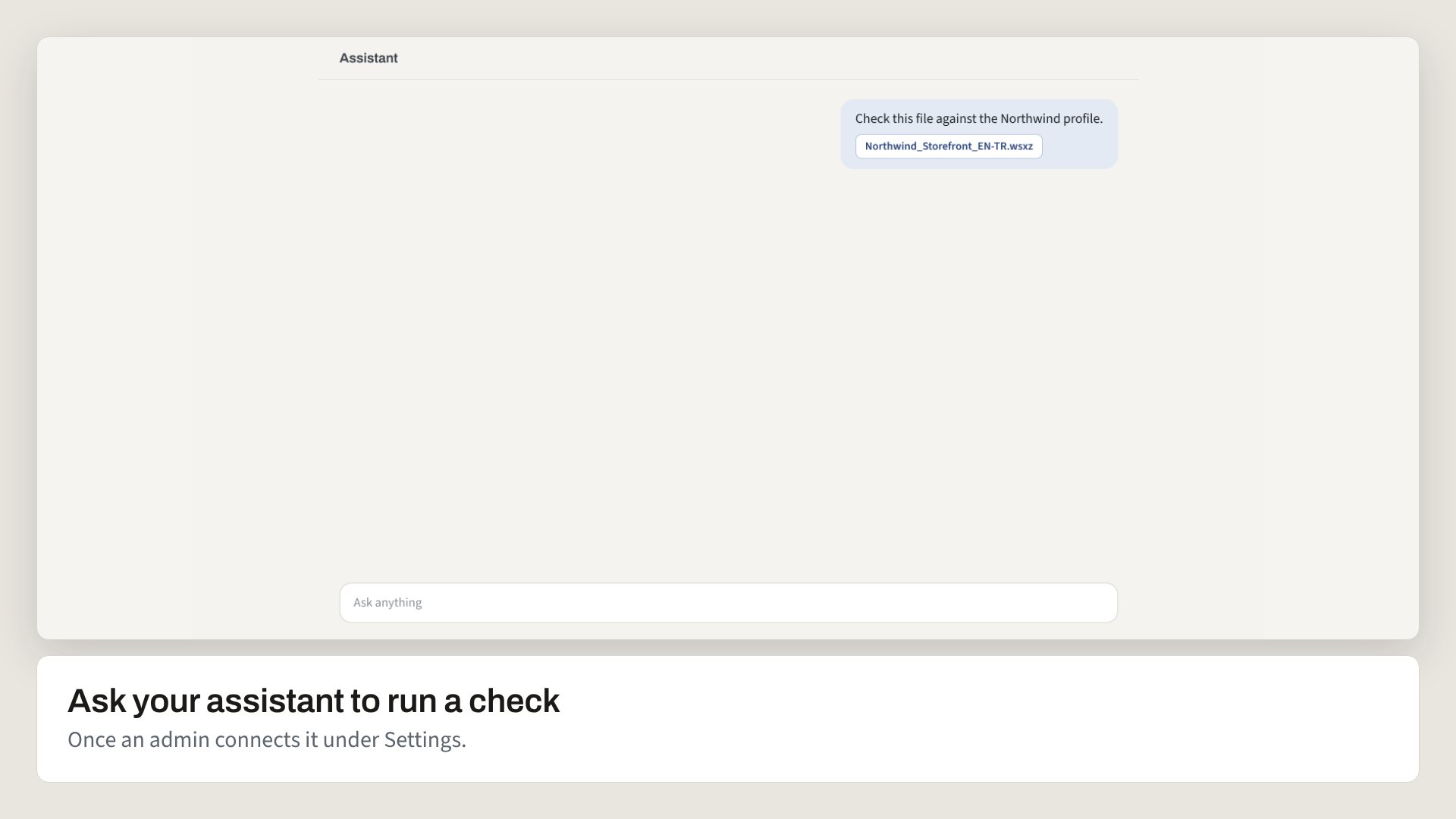 Ask your assistant to run a checkAsk your assistant to check a file, open the report and get the corrected copy.
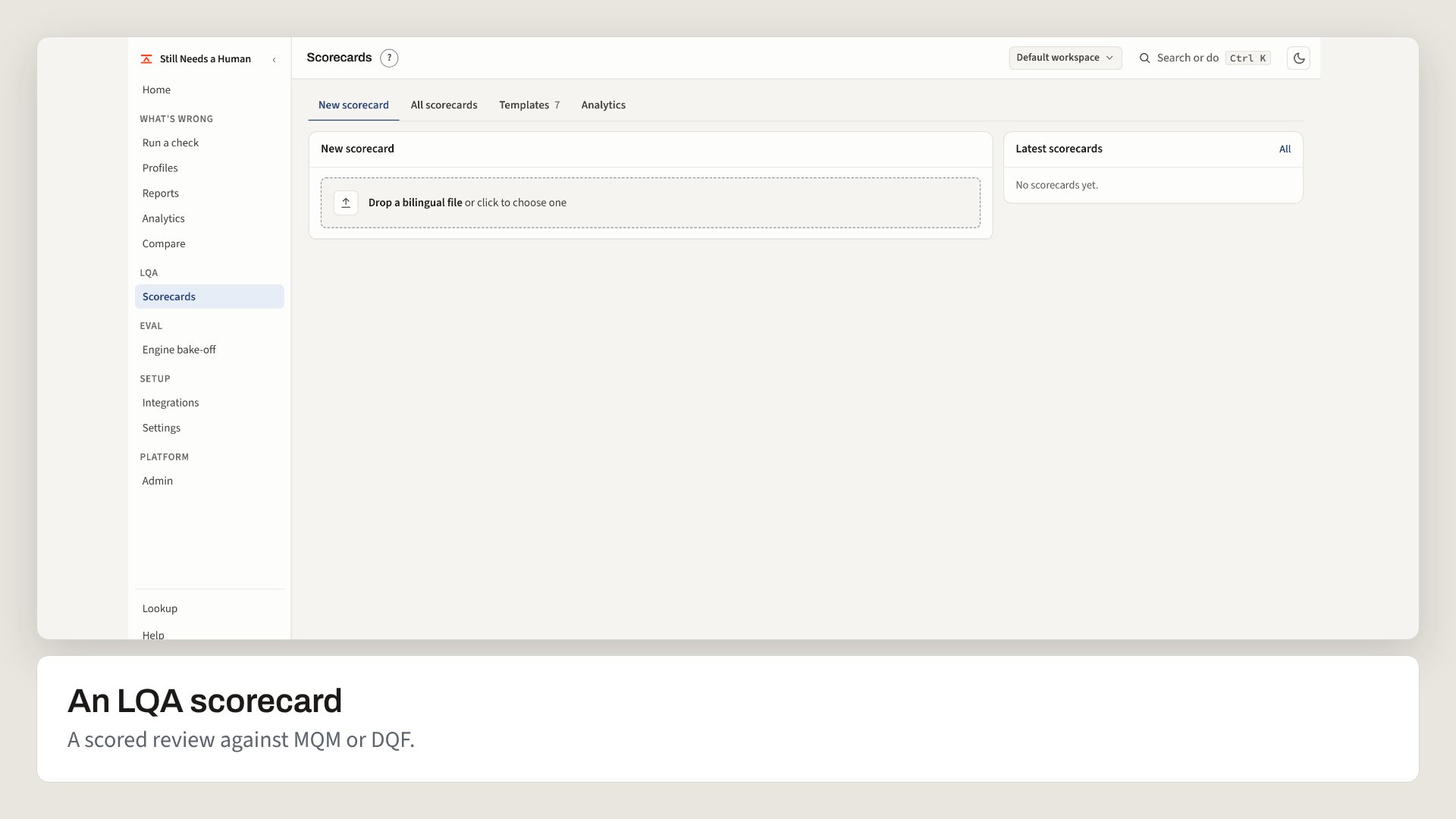 An LQA scorecardStart a scored review: drop a file, pick a template and a mode, then run LQA.